
Searching Cases by Name
Narrow the court first. Then search by name. New Mexico Case Lookup pulls together appellate, district, magistrate, metropolitan, and municipal court data, though the public screen may ask for JavaScript and CAPTCHA verification. Pick a court type and a Lea location when those filters appear. From there, use the case category, year, party name, or attorney field that matches what you already know.
- Choose the court level and Lea location before entering a name.
- Use a case category or year when it is known.
- Review the case number, style, court, and status in each result.
- Write down the exact number before asking a clerk for an event or document.
| Case Lookup field | Use in a Lea search | Official guidance |
|---|---|---|
| Type of Court | Distinguishes district, magistrate, municipal, and other court levels. | Dropdown; live options were not exposed behind verification. |
| Court Location | Targets the appropriate Lea venue. | Select a location when exposed. |
| Case Category and Year | Narrows a broad name result. | Use only known information. |
| Case Number | Most precise public-search field. | Exact format is not published in accessible help. |
| Case Status and Date Filed | Separates open, closed, and date-limited results. | Status and date filters are documented. |
For access limits and the shift to re:SearchNM, the official Fifth District public-access explanation spells out how Case Lookup works and who can see what.
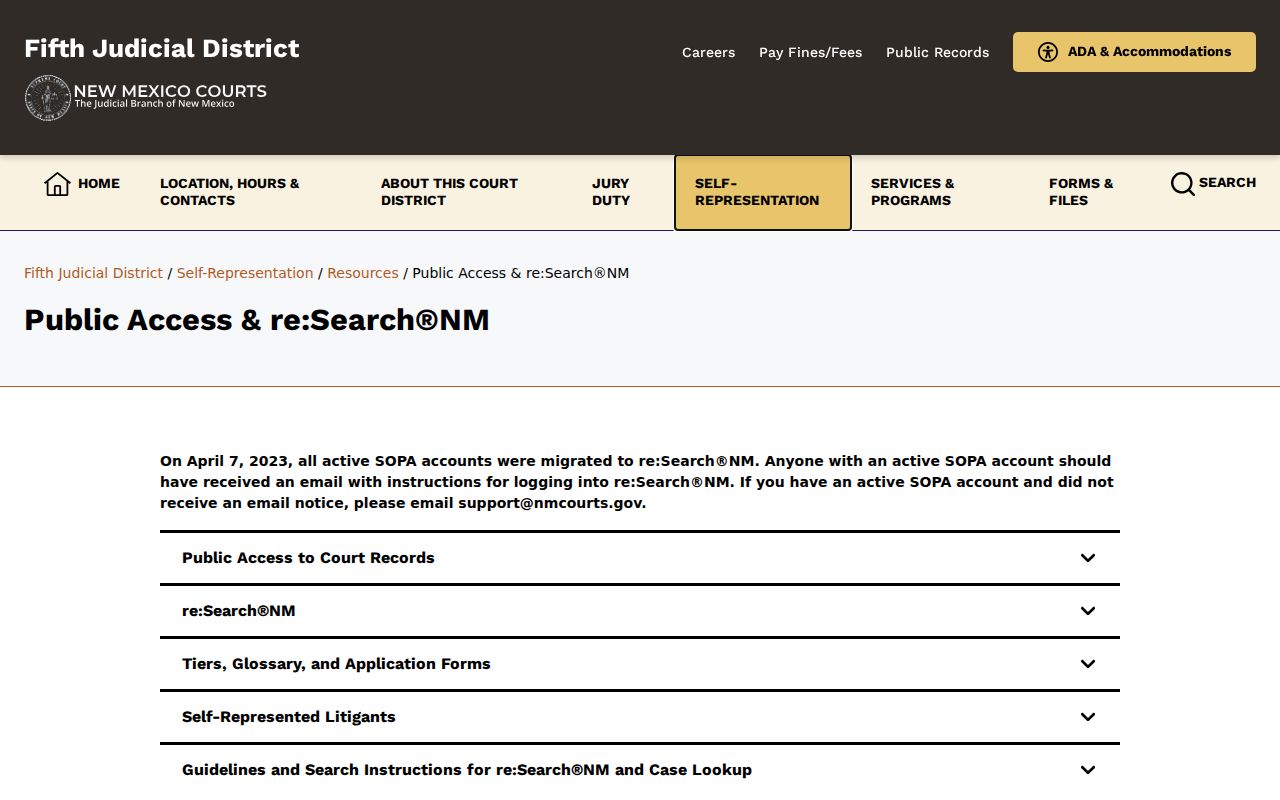
That public-access material draws a useful line. A Lea County case search result is one thing; getting the documents behind it is another request entirely.
Lea Case Lookup Starting Point
Case Lookup is the widest public index you can use for a Lea County case search. Treat it as a starting point. It is not a promise of full access. Every case, court event, or filed paper may not be open to the public. The Judiciary keeps some documents out of the record. It also redacts personal details like Social Security numbers and addresses. Older matters can be spotty, too. Statewide automation finished in June 1997. For cases that predate it, the district and magistrate entries may be incomplete.
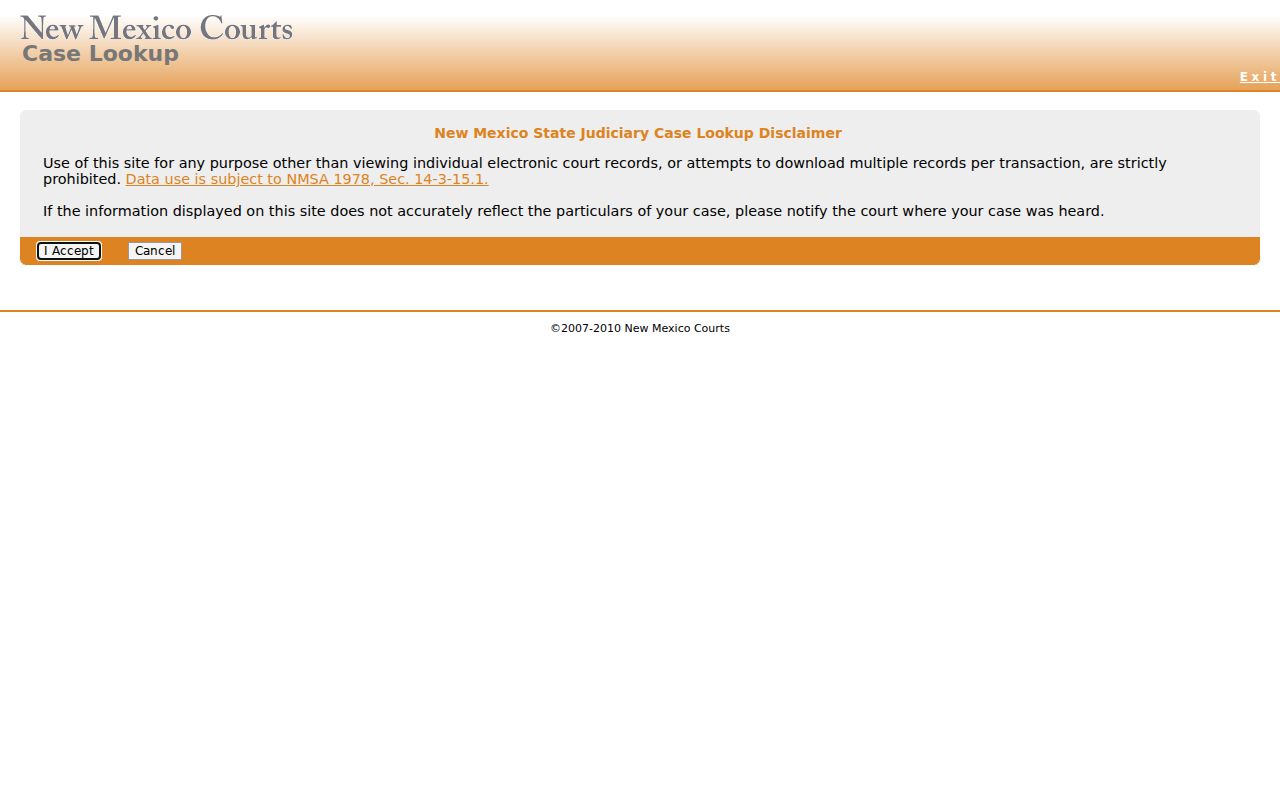
The public Case Lookup screen may open with a CAPTCHA step. Complete that check, then stick to the filters the system actually offers.
Searching by Case Number
One exact case number beats every other way to find a single Lea County court record. There is no published universal Lea case-number format in the official guidance. So copy the number character for character from a notice, citation, court filing, or prior record. Never guess at a prefix, year, or location code. Type the full identifier, such as the exact court-assigned case number, into Case Lookup or re:SearchNM as appropriate. Then check that the court location, caption, category, and filing date all match the matter you are chasing. A close name or a similar number is not enough. Court level matters here. Felony and district civil cases belong to Lea District Court. Limited-jurisdiction state matters go to the right magistrate court. City matters land in municipal court. The local court finder can settle the venue before you type a single number.
Lea Court First, Name Second
Lea County has more than one court level and more than one city court. So search by court before you lean on a name. Lea District Court keeps district civil, domestic, probate, felony, juvenile, and related case files. The Hobbs, Lovington, and Eunice magistrate courts each hold their own limited-jurisdiction dockets. Municipal clerks keep city ordinance, petty-misdemeanor, DWI/DUI, and traffic records for their own cities. For locations, functions, and contacts, the New Mexico court finder is the official source. Knowing the venue keeps you from the wrong expectations. A municipal record will not look like a district one. It also keeps a Jal magistrate inquiry from going to the wrong bench.
What a Case Search Returns
A result can carry a lot: case number, case style or description, type, filing date, status, court location, judicial officer, parties, and case events. Depending on the access system and the case, it may also show filings, hearings, charges, disposition, related cases, financial entries, and document links. What you see depends on the court, digitization, restrictions, and your access group.
| Identity | Case number, style, type, filing date, location, and status. |
|---|---|
| People and roles | Party names or roles and attorney information where public and permitted. |
| Activity | Filing and event dates, hearing entries, motions, notices, orders, and linked items when available. |
| Outcome | Disposition or judgment fields, which are not a certified record. |
| Limits | Redactions, sealed matters, excluded juvenile material, and incomplete digitization. |
A listed motion or order does not guarantee the document image is there. When you need the actual document, ask the court that holds the file for a copy.
Lea re:SearchNM Record Access
re:SearchNM took over from the legacy SOPA path. It is the registered secure system for digitized court case files. The Judiciary's user guide covers searches by party, attorney, case number, case category or type, status, filing date, court location, judge, and business name. Filters are available for filing code, hearing date, and hearing type. Registration does not unlock everything. Sealed, confidential, juvenile, and other excluded records stay off limits under the access policy. A registered search is often the better tool for finding a digitized event or document. But the local clerk still controls the case files and certified copies.
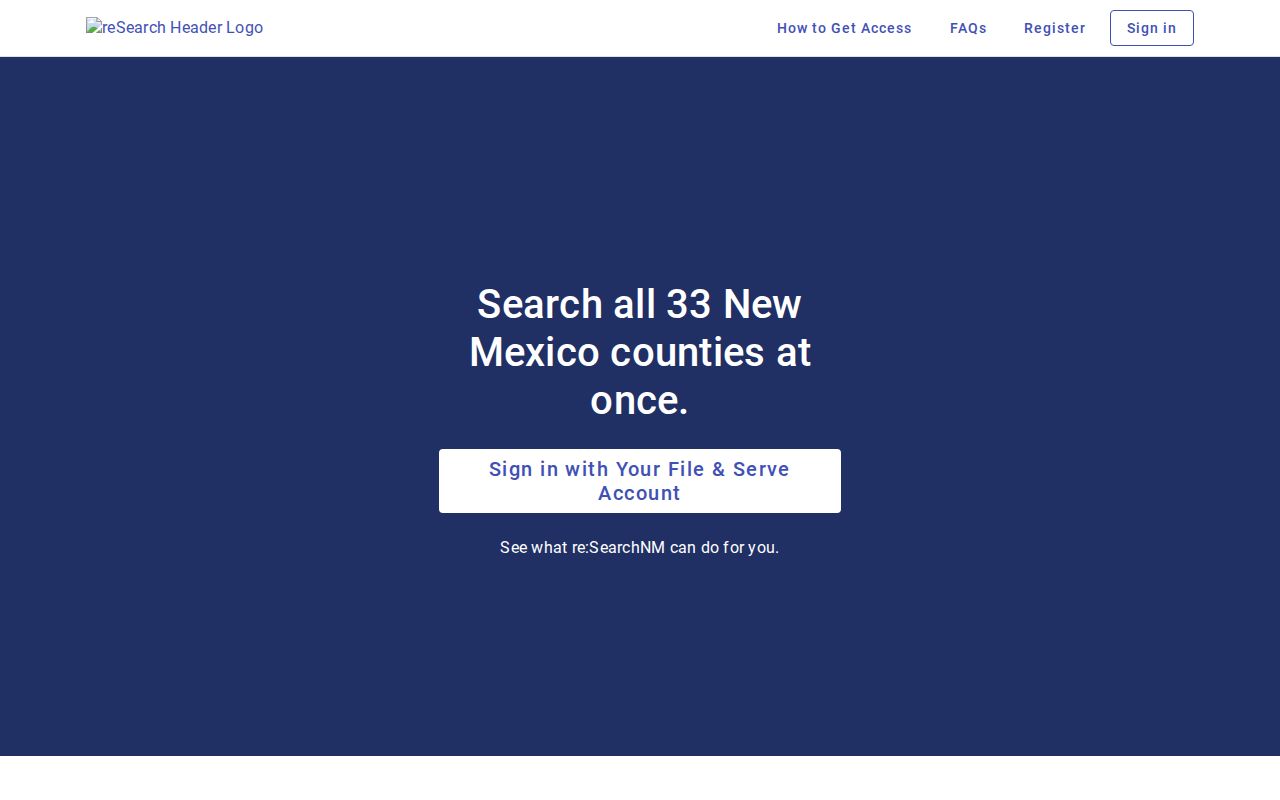
Think of re:SearchNM as a second access layer. It sits above the free public index; it is not a separate court and no guarantee of document access.
Statewide vs County Case Search
Case Lookup is statewide. It serves as the natural first index across Lea district, magistrate, and eligible municipal information. The local clerk handles the county-level route to the actual case file. Fifth District hearing schedules add a quick short-range date check. Municipal court portals run narrower. They often center on payment or citation status.
| Channel | Best use | Key limit |
|---|---|---|
| Case Lookup | Find public statewide index information. | No filed documents; CAPTCHA and access exclusions can apply. |
| re:SearchNM | Registered digitized case, event, and document access where permitted. | Access group and record restrictions control visibility. |
| Lea clerk | Confirm a case, inspect a public file, or request copies. | Must contact the court that holds the case. |
| Hearing schedule | Check a current or near-future setting. | Current day plus six future days only. |
Note: The AOC runs the statewide systems, but it does not hold local court case files.
Lea Case Lookup CAPTCHA Step
A code challenge guards Lea County case lookup. Passing it is an access step only. It tells you nothing about a case, a docket entry, or any result. The public screen shows a JavaScript prompt plus an image code. Do not assume dropdown values or extra filters you have not confirmed with your own eyes. The official help material lists the documented fields. The live search screen shows what is truly available on the day you search.
The legacy SOPA login still has one use. It shows where public access used to live. SOPA went dark in 2023 during the Judiciary's move to secure online access. It is no longer a working route for a public case search.
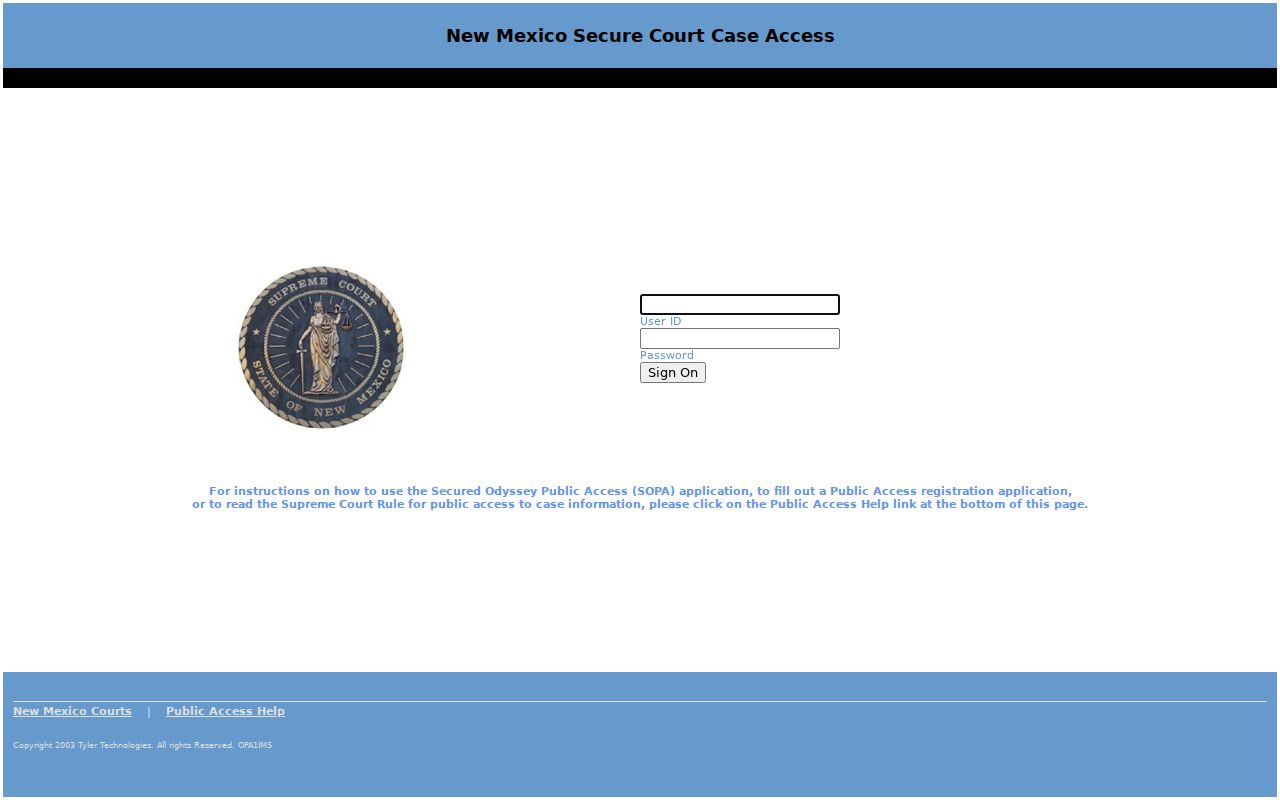
One lesson stands out from that transition. Public indexing lives in Case Lookup, while the current registered route runs through re:SearchNM, and Lea County searchers who keep those two straight save themselves dead ends.
Access and Restricted Cases
Not every Lea County case shows up in a public search. New Mexico keeps filed documents out of Case Lookup. Sealed or confidential material stays restricted. The public guidance also carves out juvenile criminal cases. Family Violence Protection Act protection-order cases sit outside ordinary public Case Lookup access. Municipal coverage runs narrower than what the district and magistrate courts offer. Rule 1-079 NMRA sets the rules on public inspection and sealing.
A missing or restricted record is not a disposition. Ask the responsible clerk what public inspection is allowed. Ask whether a court order or special qualification applies. And ask whether you can request a reasonably described record through New Mexico Courts IPRA.
Lea Cases Before 1997
Older cases need patience. Lea County records from before the June 1997 automation cutoff may be incomplete online. Start with the court and the exact case number. Then call the district clerk at 575-396-8571. The applicable magistrate court and the relevant municipal clerk are other contacts. Sometimes an index search turns up nothing on an older matter. A clerk counter or public terminal is the practical next route.
Whatever channel you use, be specific. Give the case number first. Give the court and the caption if known. Also give the event or document you want, the date range, and the copy type. That applies to mail, email, counter, and IPRA requests alike. One caution: the New Mexico Courts e-filing entry serves authorized filing work. It is not for historical case lookup.
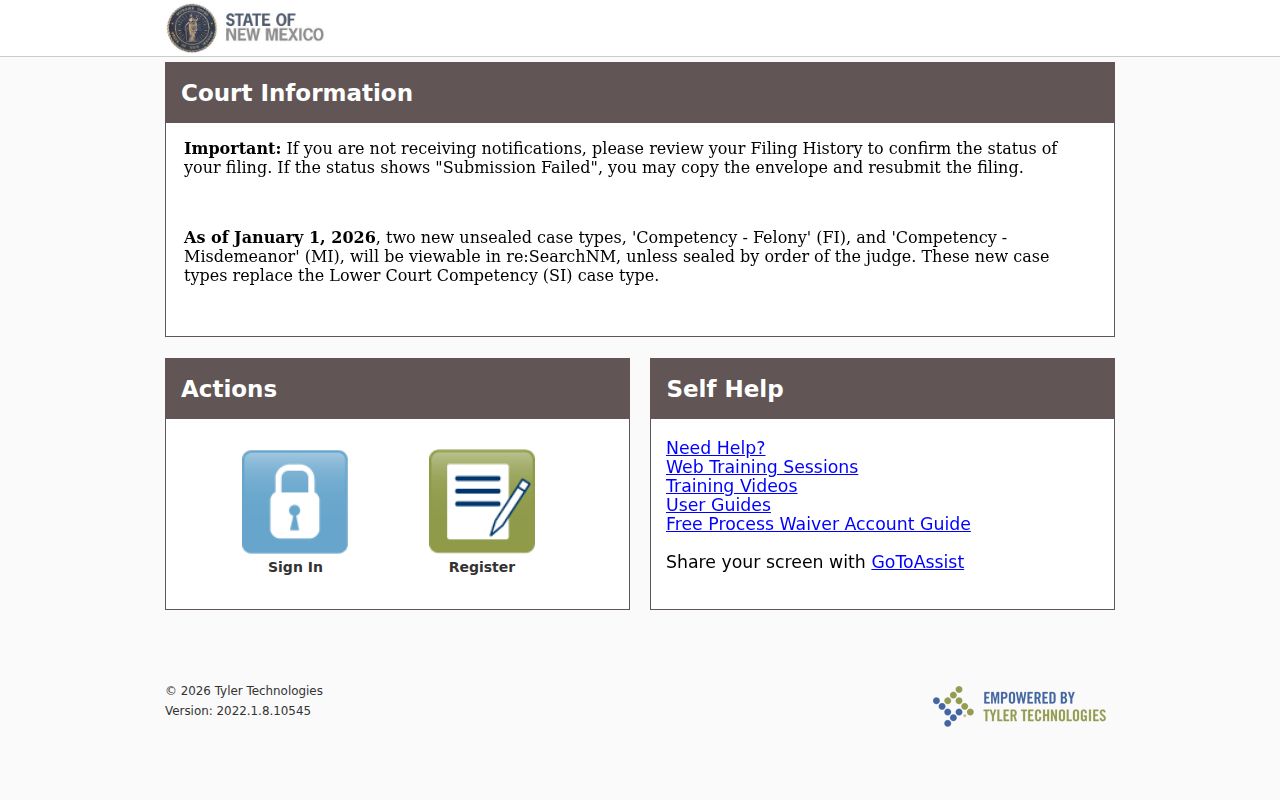
Filing systems and public search are different animals. An e-filing platform may record filing descriptions inside the court's systems, but a Lea County case lookup still runs through public search and the clerk.
Lea County Case Search Filters
Five filters do the real work in a Lea County case search. They are court type, court location, case category, year, and case number. Lead with the narrowest fact you can verify. The location filter earns its keep. Lea District Court, the magistrate courts, and the municipal courts do not hold the same dockets. Case status and filing date can thin the results further. Check the official search screen itself before trusting any filter beyond the documented set.
Lea County Case Search Sorting
Sorting options are documented in the public guidance. Filed Date and Filed Date Reverse appear there, along with status sorting. re:SearchNM goes further. It lets results sort by case category, case number, case type, filing date, reverse date, and status. Keep one thing straight, though. Sorting changes the order of results, never the content of a case record.
For hearings, the registered guide describes additional sorts. They cover case number, date and time, defendant, hearing type, judicial officer, and plaintiff. Confirm the court and case number before relying on any sorted result.
Lea County Case Search Fallback
When the online search stalls, work the fallback chain in order. Confirm the court level first. Then try Case Lookup. Move to re:SearchNM for eligible digitized access next. Check a current hearing schedule after that. You can then call the clerk, inspect at the counter or public terminal, and file an IPRA request for a reasonably described public record. Each step serves a distinct purpose. Skipping one can cost you.
Going to the clerk is not a failed search. It is the local route for a missing older record, a non-digitized image, a certified copy, or a case event that needs a clerk's confirmation.